# Configuration
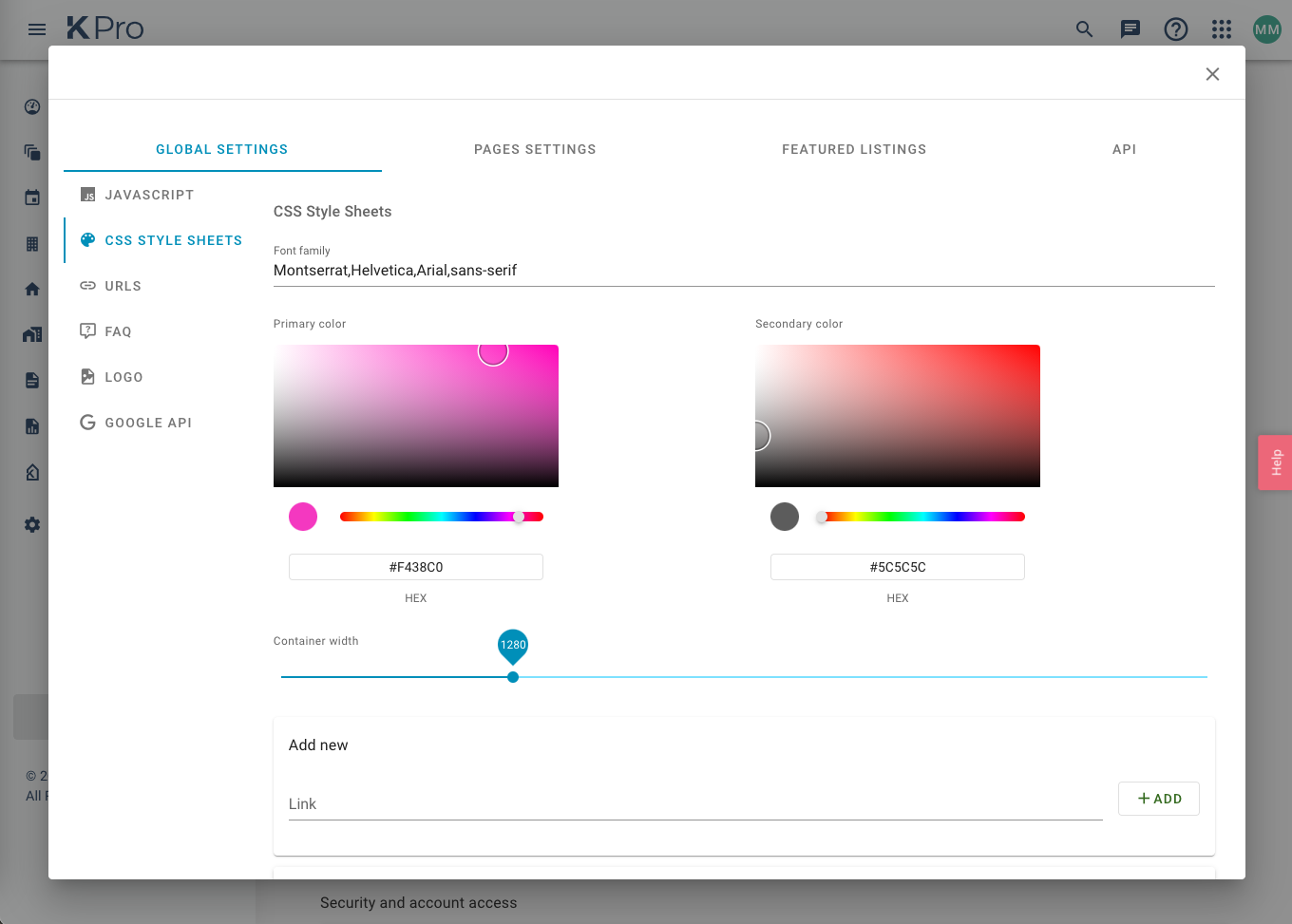
As a customer of Keaze, with Widgets enabled you should now have access to the configurator. If you log in to KPro (opens new window) you should be greeted by a dashboard. In the sidebar, find Admin then Settings. Under Custom sources you should see your website as a clickable source. Clicking on this will open a dialog box with a number of tab menu items all containing options for each of your integrated widgets.
TIP
Please contact any of the Keaze team if you have any access issues to KPro.
# Global Settings
# Javascript
Here you have the power to include CDN urls to any libraries that you would like to use alongside the widgets.
TIP
It may be faster and easier to apply these within your own application. However this is available if you need it!
# CSS Style Sheets
The Widgets allow customisation of Primary and Secondary colours and Font Families. Anything related to colours and branding can be found in the Global Settings -> CSS Style Sheets. Add any custom font family stylesheets to the links section.
Colours 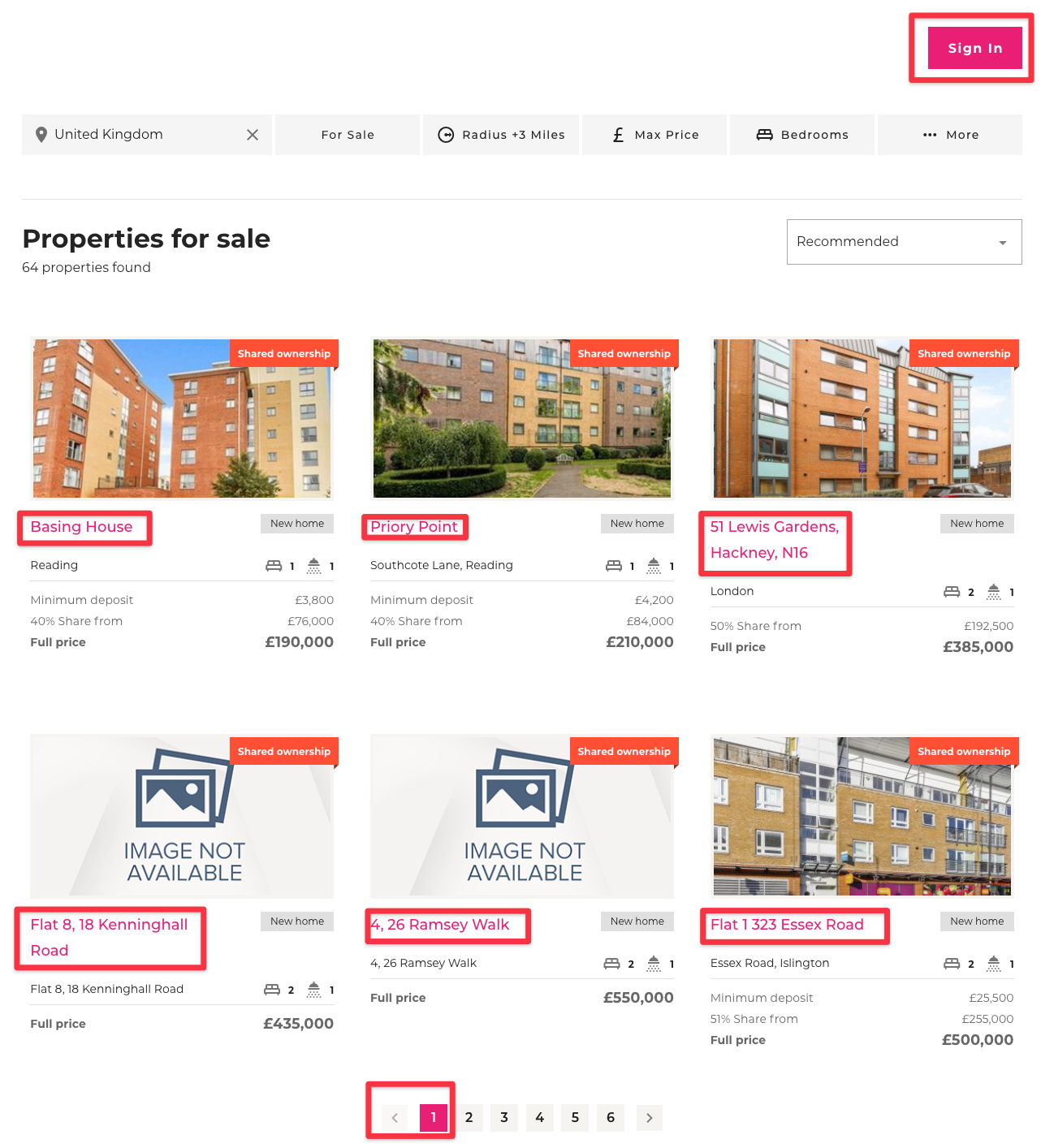
Fonts 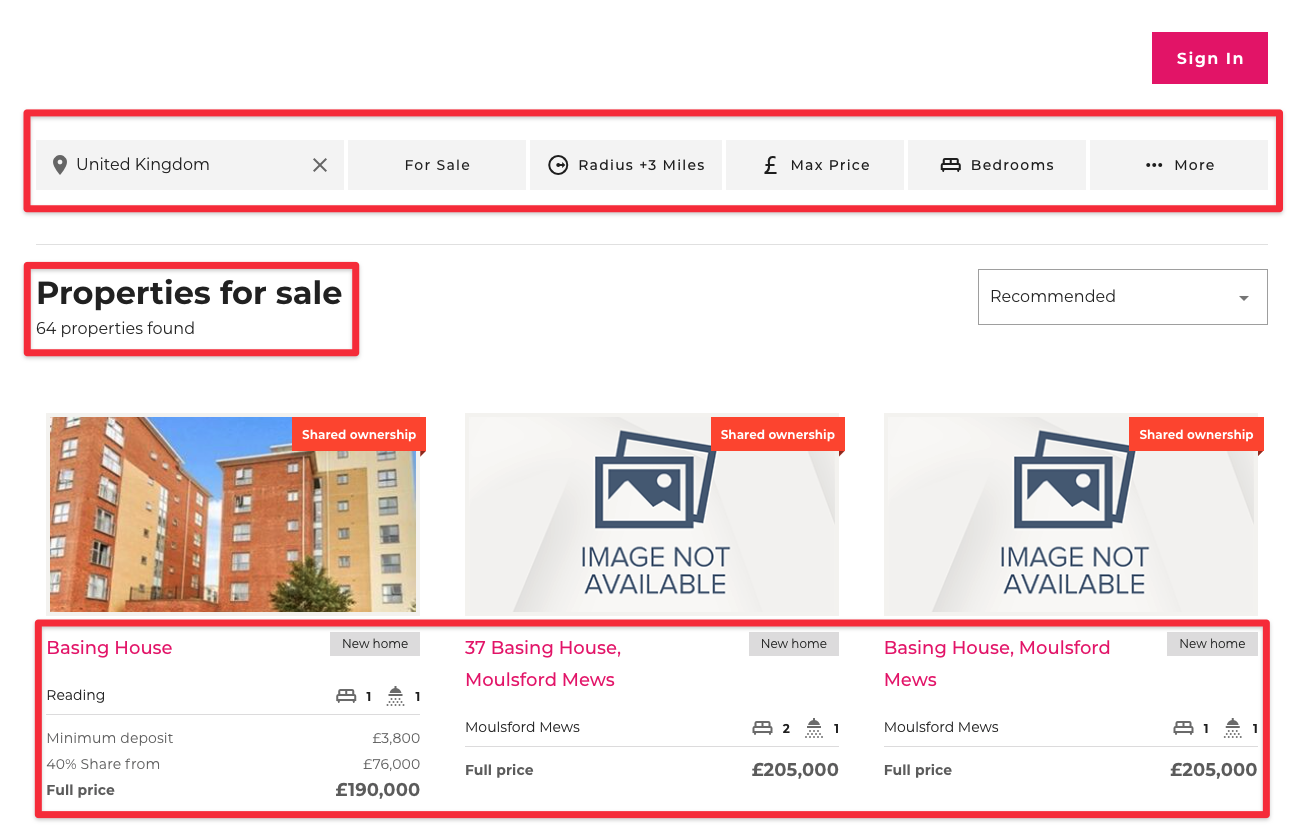
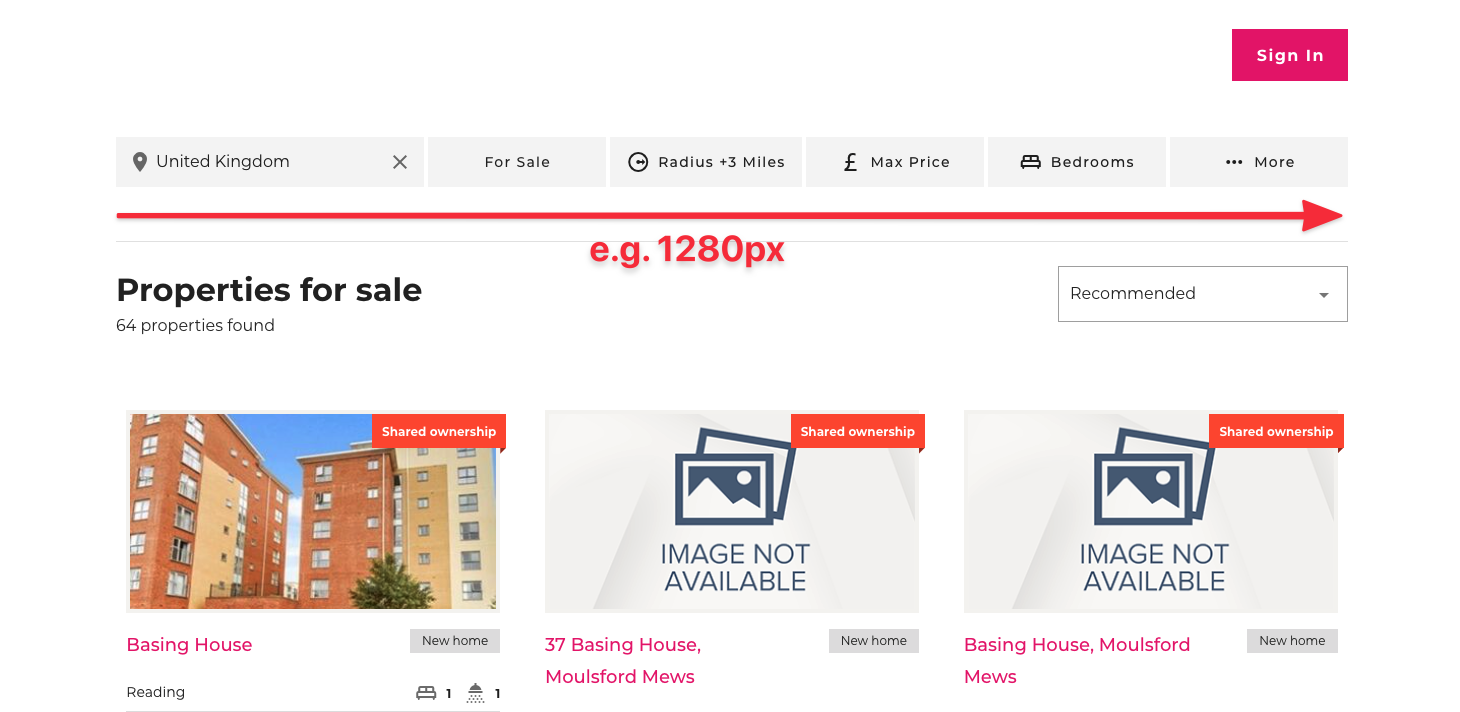
The width of the search / filter block and search results can be customized, according to the web design. (e.g. 1280 pixels)
# Logo
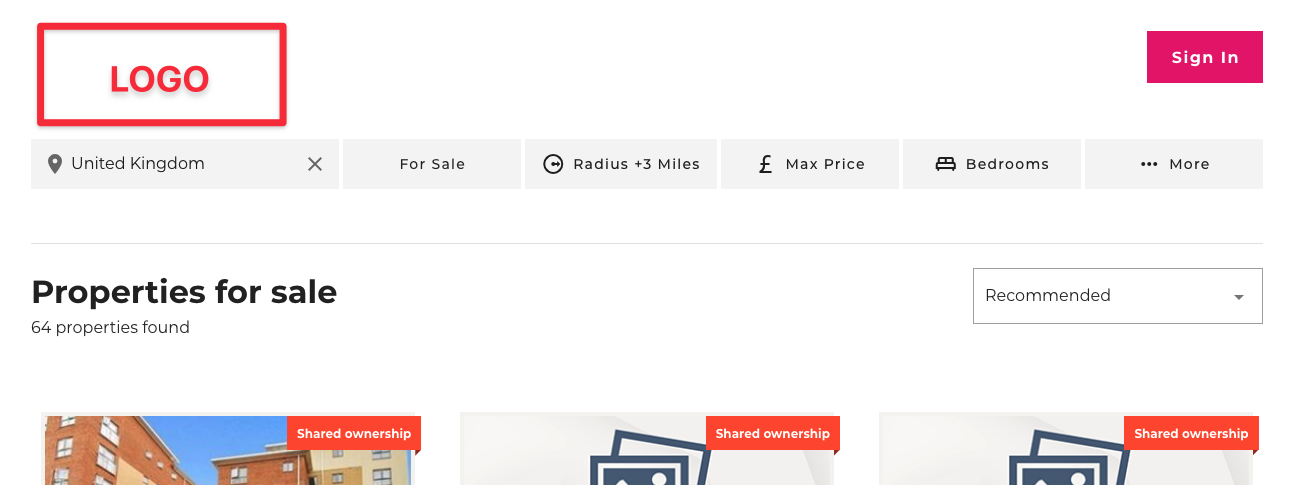
Should we need to display your logo anywhere within the widgets, this is the one we will use! You can update your logo in Global Settings -> Logo
# URLs
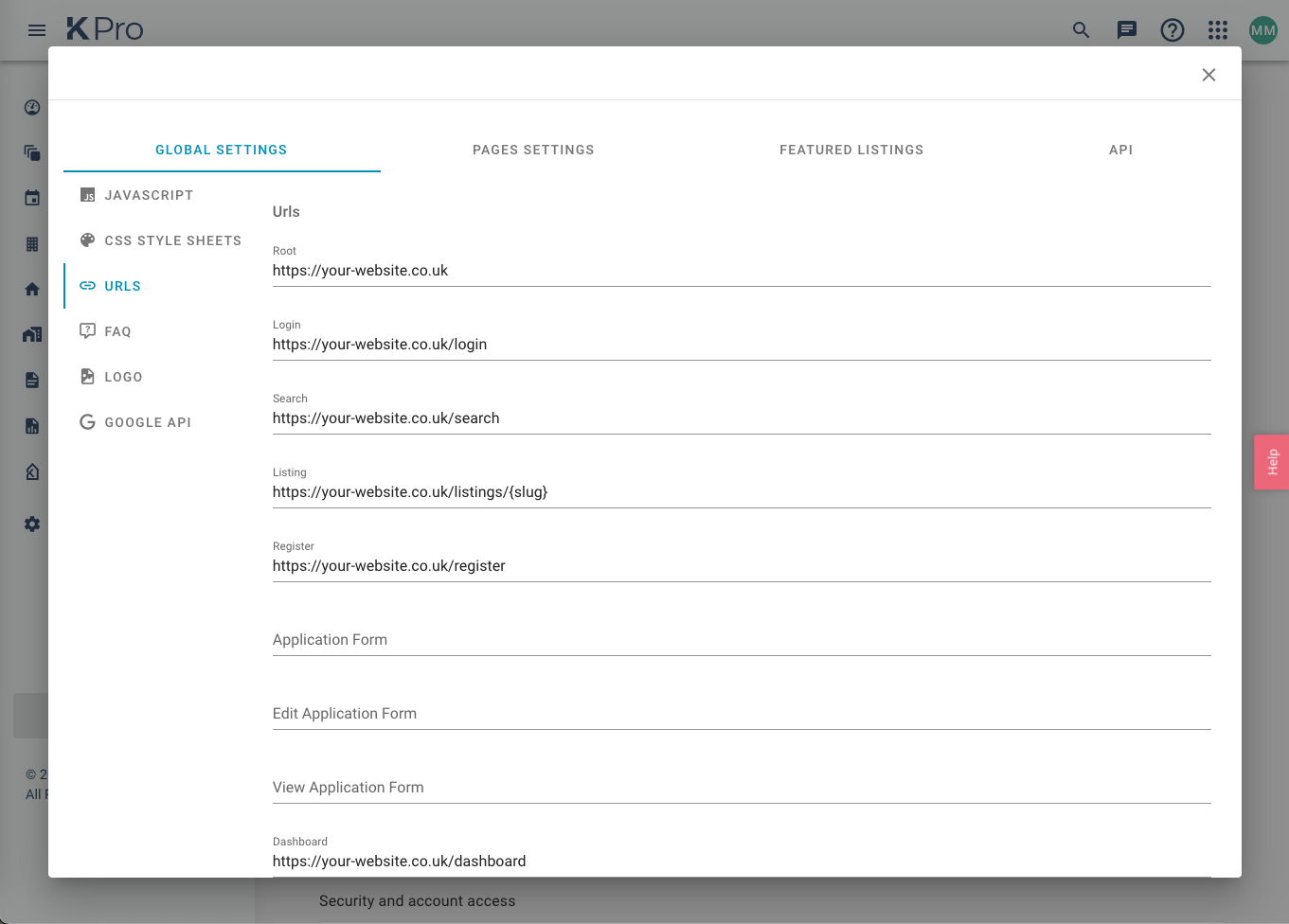
This configuration is vital to the functionality of the Widgets within your application. The URLs here must match the page routes within your application. For example, if your login page is at https://your-website.co.uk/login this must be defined here under Login.
# Google API
This is where you will store any Google API Site/Secret keys.
# Page Settings
Content & Styling preferences unique to the various page widgets. You will find options such as page text content, form field preferences, redirect URL options, colour and size configurations and much more.
# Featured Listings
This is where you can choose which listings that you would like to display within the "Featured Listings" widget. The dialog offers the ability to search and select from your existing KPro inventory.
# API
Keaze API guidance and resources. Here you can find your KPro Site ID required for your Widget integration.